VOICE CONTROL FOR CLAUDE CODE & CODEX
Control Claude Code and Codex with your voice
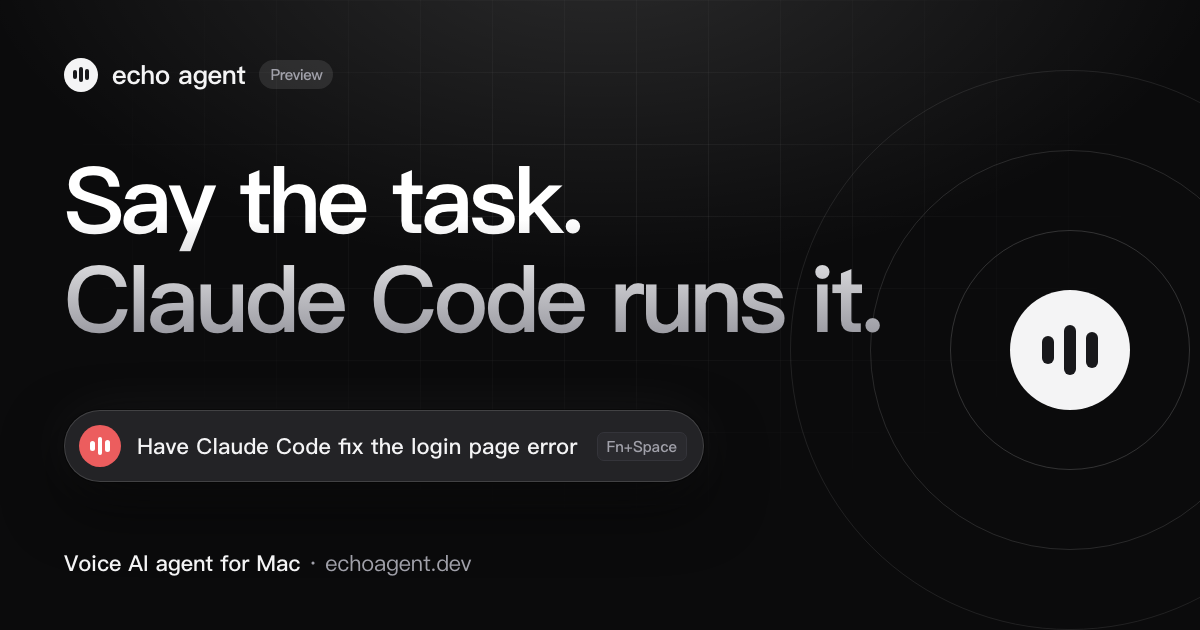
Press Fn+Space in any app and say “have Claude Code fix the login page error”. echo agent turns that into text on your Mac and hands it to the Claude Code or Codex CLI you are already signed in to, running in the background. When it’s done, you hear back which files changed and whether the build passed.
What you need
- A Mac with Apple silicon (M1 or newer) running macOS 15 or later.
- The Claude Code or Codex CLI, installed and signed in. If it works in Terminal, echo agent can use it.
- echo agent itself. On first launch, allow Microphone and Accessibility; allow Screen Recording too if you want to send screenshots.
Get started in three steps
- Install echo agent and pick a modelSign in to use the built-in echo model for free, or add your own API key in Settings. This model understands what you said and decides where the work goes.
- Press Fn+Space in any appA capsule appears at the top of your screen. Start talking; the app you are in keeps focus.
- Press Fn+Space again to submitOnce the task is handed off, close the panel and get on with something else. You’ll hear back when it’s done.
Things you can say
- Have Claude Code fix this error
- Have Codex add tests for the login page
- Screenshot this error and have Codex fix it
- Have Claude Code explain this project
- Have Claude Code make the change, then run the build
- Continue the last Codex task in Terminal
How the tasks run
- Your own Claude Code and Codex. echo agent calls the CLIs on your Mac. Tasks run in the background in the project folder you point them at, and several can run at once. Usage counts against your own Claude Code or Codex account.
- Your permissions, unchanged. By default your Claude Code and Codex permission settings apply. If a background task hits something that needs your approval, it doesn’t approve it on its own; echo agent tells you where it stopped, and you can open the session in Terminal to carry on.
- Screenshots go along. Say “screenshot this” and echo agent captures the window you are looking at and sends it with the task, so you don’t have to describe the page.
- Results come back to the conversation. Changed files, test and build results all land in echo agent. To keep going, just say the next thing.
FAQ
Does it understand Chinese?
Yes. Speech is recognized on your Mac, in English or Chinese, and Chinese sentences with English terms such as Claude Code or login.tsx work too. Recordings are never saved or uploaded.
Claude Code already has voice input. Why use echo agent?
You don’t have to switch to the terminal first. While you are reading an error in the browser or a spec in a document, press Fn+Space and say it, and a screenshot of that window can go along with the task. The same shortcut reaches both Claude Code and Codex.
Does it cost anything?
echo agent is a free download. After signing in you get free daily uses of the built-in echo model; if you need more, buy a pass or add your own API key. Claude Code and Codex run on your own accounts and plans.
Does it work on Windows or Intel Macs?
Not yet. echo agent is Mac only and needs Apple silicon and macOS 15 or later.
Want to see it work first? The home page has a 48-second film and an interactive demo.