ECHO AGENT FOR WINDOWS · BETA
echo agent for Windows: press Alt+Space and say it
Press Alt+Space in any app and say what you need. echo agent turns your words into text on your PC, then answers or gets it done: it reads the window you are looking at, hands coding tasks to the Claude Code and Codex you already use, sets reminders and drafts email. It’s a beta you can download and install right away, no sign-up needed.
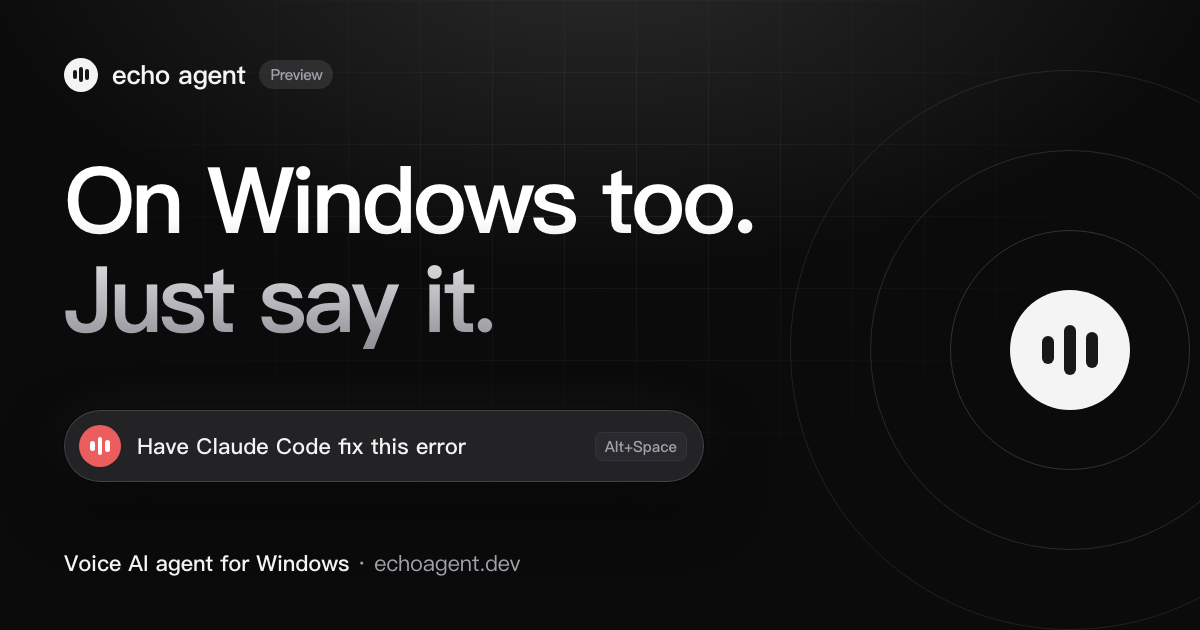
What it does on Windows
- Press Alt+Space and talk.A capsule appears at the top of the screen and the app you are in keeps focus. Speech is recognized on this PC, in English or Chinese, and recordings are never saved or uploaded. For hands-free use, turn on the wake word and say “echo echo”.
- Hands coding tasks to Claude Code and Codex.Say “have Claude Code fix this error” and the task runs in the background, asking you when a step needs approval. DeepSeek Harness, opencode and Hermes work too, every session shows on the Agents page, and a missing one installs with one click.
- Ask about your screen.Say “screenshot this, how do I do it” and echo agent captures the window you are using and answers from the image. On Windows it needs no extra permission.
- Everyday things in one sentence.Reminders, alarms, notes, email drafts, skipping songs, switching browser tabs, volume, dark mode and finding files.
- Your own MCP servers.Paste a command or a URL in Settings to add one, or import the ones already set up in Claude Desktop and Claude Code in one click.
How it differs from the Mac version
- ShortcutThe default is Alt+Space, because Windows can’t read the Fn key. You can change it in Settings.
- WeChat and FeishuIt can only bring the app to the front and put the message on the clipboard. You open the chat, press Ctrl+V and Enter yourself. It can’t read chats, find people or list chats yet.
- MailIt can write drafts. Recipients have to be email addresses, it can’t look people up by name, and it can’t read mail.
- Reminders and alarmsThey only go off on this PC while echo agent is running, and they don’t sync to your phone.
- NotesNotes are Markdown files in Documents\echo agent\Notes, not a system notes app.
- Not yetCalendar and Shortcuts. New features on the Mac arrive on Windows over time.
How to install
- Windows 11: check Smart App Control firstOpen Windows Security › App & browser control. When Smart App Control is on, Windows blocks unsigned programs outright, with no “Run anyway” to click, so the beta can’t be installed. Wait for a signed version, or decide for yourself to turn it off.
- Run the downloaded echo-agent-windows.exeJust follow the prompts. It installs for the current user and doesn’t need administrator rights.
- If you see “Windows protected your PC”The beta isn’t code-signed yet, so Windows stops it once. Click “More info”, then “Run anyway”.
- Allow the microphone on first launchThe microphone is the only permission it needs. “Let desktop apps access your microphone” under Settings › Privacy & security › Microphone has to be on; if it’s off, echo agent takes you there.
- Pick a model and press Alt+SpaceSign in to use the built-in echo model for free, or add your own API key in Settings.
Questions
Do I need WSL to use Claude Code and Codex by voice on Windows?
No. echo agent runs natively on Windows and calls the Claude Code and Codex CLIs you have installed and signed in to on Windows. If Git for Windows is installed, echo agent can also use Git Bash when it runs commands; otherwise it uses PowerShell.
Which versions of Windows are supported?
Windows 10 22H2 or Windows 11, 64-bit (x64). It installs for the current user without administrator rights and only needs microphone access.
Windows says it protected my PC during install. Is something wrong?
The beta isn’t code-signed yet, and Windows stops every unsigned program once. Click More info, then Run anyway. With Smart App Control on in Windows 11, Windows blocks it outright with no way to allow just one program, so wait for a signed version or decide for yourself to turn it off.
Does it cost anything?
The download is free. After sign-in you can use the built-in echo model for free, with limits that reset every 5 hours and every week, on the same account as the Mac version; a pass raises them, or you can use your own API key. Claude Code and Codex use your own accounts in those tools.
How stable is the beta?
Most features are in place, but it hasn’t been tested on enough PCs yet, so expect rough edges. If something goes wrong, email jiaedwin0605@gmail.com with your Windows version and what you were doing.
Want to see it work first? The home page has a 48-second film and an interactive demo. They show the Mac version; on Windows the shortcut is Alt+Space.